
User-focused opening
You want a monitor that fits your work, your games, and your desk — not a spec sheet that confuses you. Think about the single task you do most: color-critical editing, fast-paced gaming, or long spreadsheets. That clarity cuts through marketing noise and points you straight to a reliable monitor manufacturer that builds models around specific workflows, not vague “all-in-one” promises.
Why trust this guide — real experience and market context
I’ve specified displays for creative studios and gaming rigs for over ten years, and I compare models the way users actually use them: under real workloads, not just benchmarking runs. IDC’s 2023 worldwide monitor shipments report shows Full HD panels still dominate many buyer segments, which maps to what I see in client purchases for budget and office deployments. That market reality matters when you shop for full hd pc monitors, because large-volume models tend to offer better supply, accessories, and proven firmware updates.
Key features that should drive your decision
Pick a feature set that matches your primary task. Resolution: go 4K for pixel-precise photo or video work; 1440p is the sweet spot for mixed creative/gaming use; Full HD still wins for basic office and multi-monitor setups. Panel type: IPS for accurate color and wide viewing angles, VA for deeper contrast, TN only if you need ultra-low latency and sacrifice color. Refresh rate and response: 144Hz+ for competitive gaming; 60–75Hz is fine for productivity. Color accuracy: look for factory calibration or specs like Delta E ≤2 if color is critical. Connectivity and ergonomics: VESA mount, DisplayPort, multiple USB ports, and height tilt swivel adjustments aren’t extras — they’re basic tools that let the monitor serve you day after day.
Common use-cases and practical alternatives
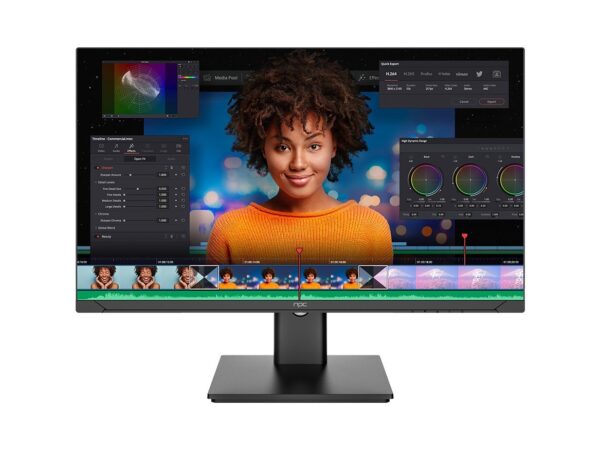
For content creators: prioritize color gamut (DCI-P3 coverage), calibration support, and 10-bit color. Alternative: a calibrated 1440p IPS can be cheaper and still adequate if your workflow isn’t ultra-high-res. For gamers: match panel speed to your GPU; a high-refresh 1440p monitor is the best compromise for performance and image clarity. Alternative: fast 1080p displays if you need higher frame rates without an expensive GPU. For office and trading desks: go for ultrawide or multi-monitor setups with ergonomic stands. Alternative: Full HD monitors keep costs down and make multi-monitor layouts easier on your graphics card.
Selection checklist — avoid these mistakes
Don’t buy the highest resolution and expect smoother performance without checking your GPU. Don’t ignore ergonomics; a cheap stand will wreck posture after a few hours. Don’t chase specs alone: a 240Hz panel with poor color reproduction still feels cheap. Don’t skip firmware and port checks — a monitor with poor USB-C implementation or flaky on-screen controls will cost time. Ask: what’s my primary task, what’s my budget, and which ports do I absolutely need? Answer those and the choice narrows fast.
Synthesis and practical next step
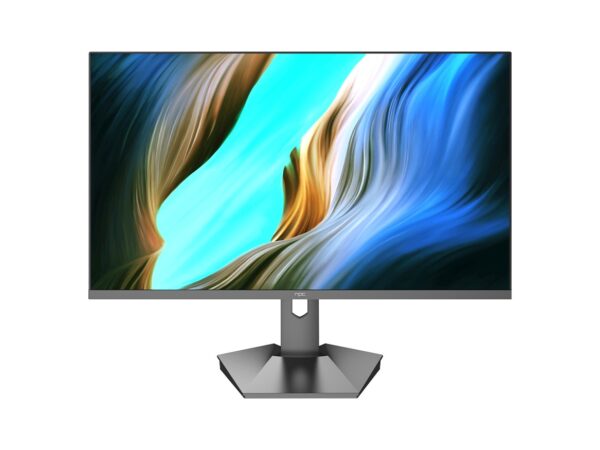
Make choices by use-case, not hype. Match resolution to task, pick the panel that serves color or speed, and insist on ergonomics and reliable connectivity. When you compare real models side-by-side, options from npc show how clear trade-offs deliver predictable results for specific workflows — the exact clarity you need to stop guessing and start using your monitor the way you intended.