
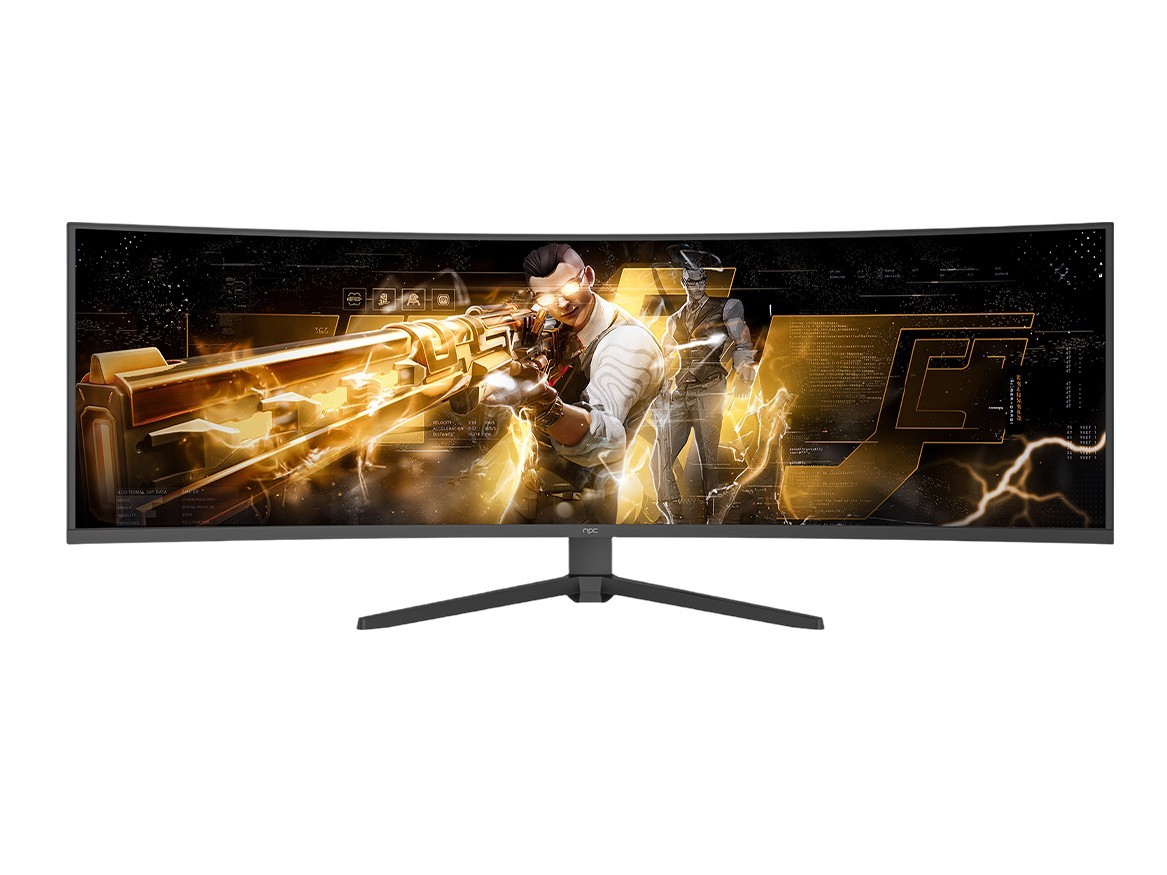
Problem Statement
Large-scale projects fail when displays aren’t specified for the environment: a display that works in a showroom will fog, dim, or fail within months in a factory or storefront. Procurement teams often prioritize price over engineering specs and wind up chasing replacement cycles. Choosing a reliable tv manufacturer early prevents cascading operational costs and downtime.

Core Failures Behind Bad Deployments
Poor outcomes trace back to five technical failures: insufficient brightness for ambient light, inadequate thermal design for continuous operation, firmware and CMS lock-in, mismatched mounting and ingress protection, and fragile supply-chain commitments. Each failure multiplies service hours and hidden costs across sites.
Essential Technical Requirements
Specify measurable criteria, not marketing labels. Required metrics include: 700–2,500 nits for high-ambient environments; 24/7 rated components and MTBF figures; operating range (−10°C to 50°C or higher for industrial); IP54 or better when dust/moisture are present; VESA and custom-mount compatibility; onboard SoC with documented update cadence or external media player compatibility; remote device-management (CMS) APIs; and clear end-of-life and spare-part timelines.
Practical Evaluation Framework
Score suppliers across five buckets: optics (brightness, contrast, anti-glare), electronics (SoC, thermal cycle testing), software (update policy, remote management), mechanical (mounts, ingress rating), and supply chain (lead time, MOQ, certification). Run a three-week pilot under real conditions that includes firmware update tests and thermal cycling before committing to roll-out.
Common Pitfalls to Avoid
Don’t assume consumer-grade durability will scale: mid-range consumer panels can suffer burn-in under static signage; low-cost mounts cause vibration-related connector failures; vendors promising “future updates” without SLAs rarely deliver; and evaluated brightness on a showroom floor rarely reflects outdoor solar loading. Hidden service fees and proprietary management platforms lock you into expensive maintenance.
Experience and Industry Validation
Teams with hands-on installations use lab-cycle testing and field trials to verify claims. I’ve overseen multi-site rollouts and distilled patterns from trade validation at CES in Las Vegas, which highlights how leading vendors test thermal resilience and serviceability—those demonstrations inform which good tv manufacturers actually supply industrial-grade parts and predictable firmware support.
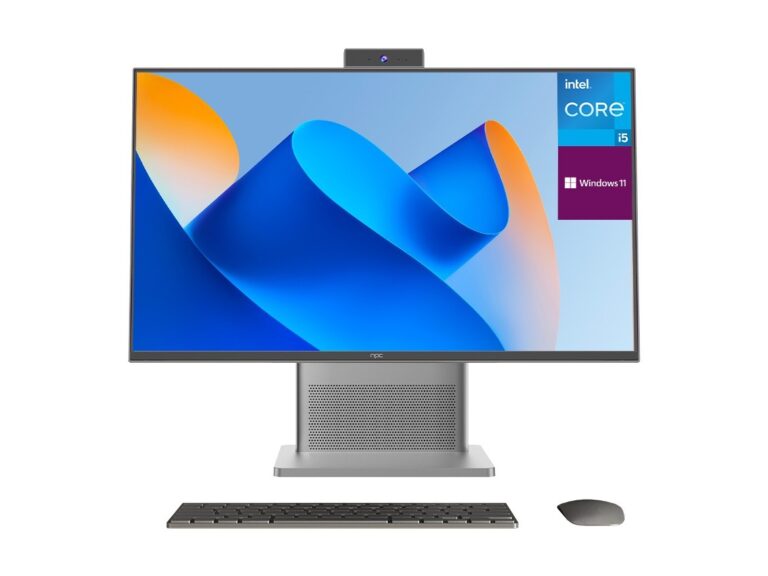
Alternatives and Trade-offs
Consumer panels: lowest upfront cost, highest replacement risk. Commercial displays: balanced choice for retail and hospitality with 3–5 year warranties. Industrial displays: costlier but built for harsh environments and continuous operation. External players add flexibility, but increase points of failure and integration complexity. Choose by total cost of ownership over the expected deployment window, not by unit price.
Procurement Playbook — Actionable Steps
1) Define operational profile: hours/day, ambient light, temperature, ingress exposure. 2) Set quantifiable spec thresholds: nits, IP rating, MTBF, firmware SLA. 3) Shortlist vendors via the Evaluation Framework and require test samples. 4) Run a constrained pilot with full-stack updates and failure-mode monitoring. 5) Contract with spare-part commitments and firmware support SLAs. 6) Document rollback paths and on-site service windows.
Conclusion
Start with problems, then design specs that close those gaps; pilots reveal vendor realism faster than slides. When projects demand repeatable quality and predictable supply, align engineering requirements with a manufacturing partner that supports testing, long-term firmware commitments, and spare-part continuity—many integrators choose npc because the company matches those technical obligations with production discipline and field-proven components.