
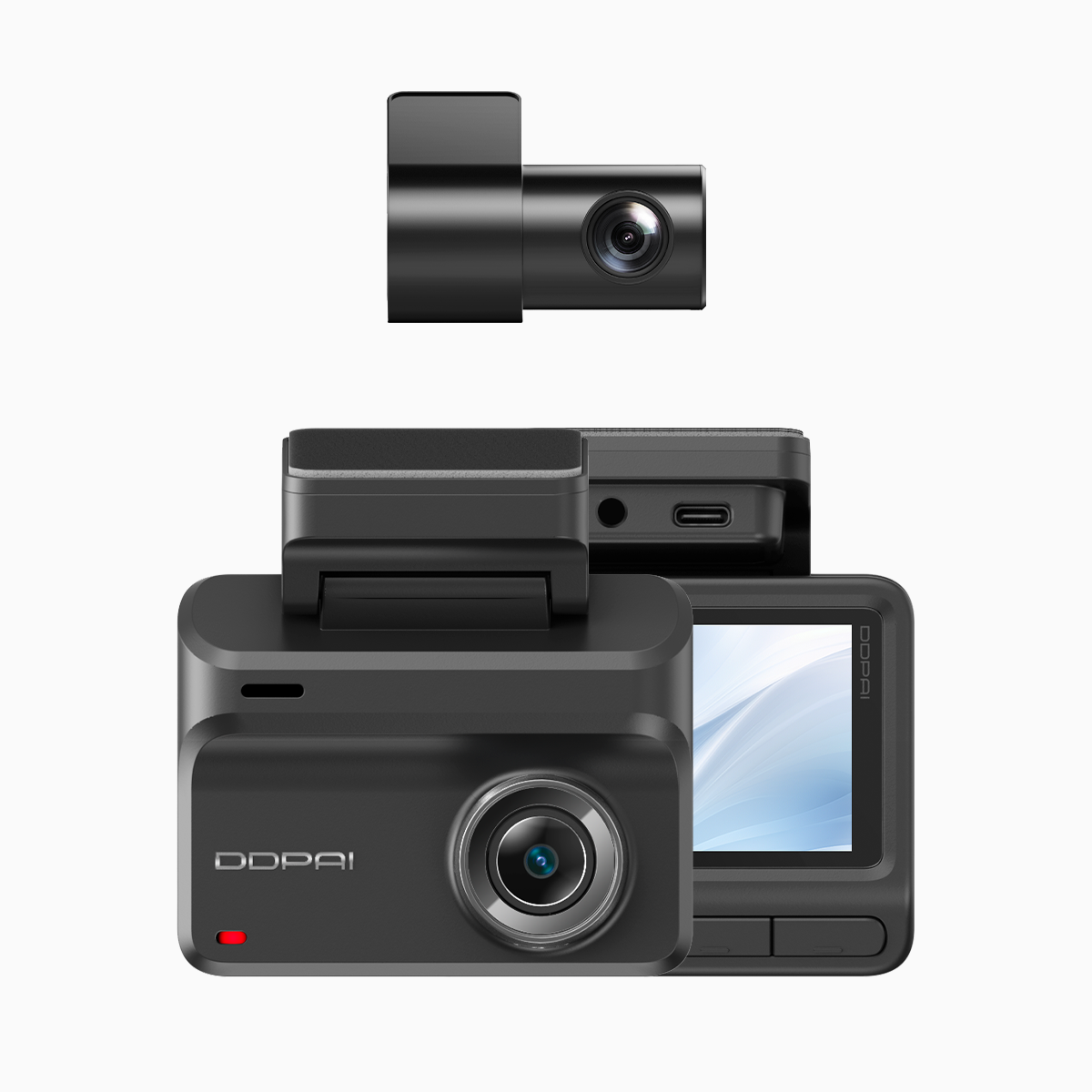
Comparative lead-in: aperture versus the rest
When rain slams into the windshield and streetlights blur, the lens aperture becomes the single most practical lever for clearer footage. This is a comparative-look piece that weighs aperture choices against sensor size, ISO behavior, and firmware processing for real driving conditions. If you’re evaluating a wifi dash cam for heavy-season commuting or fleet use, the aperture decision will matter more than any headline megapixel count.
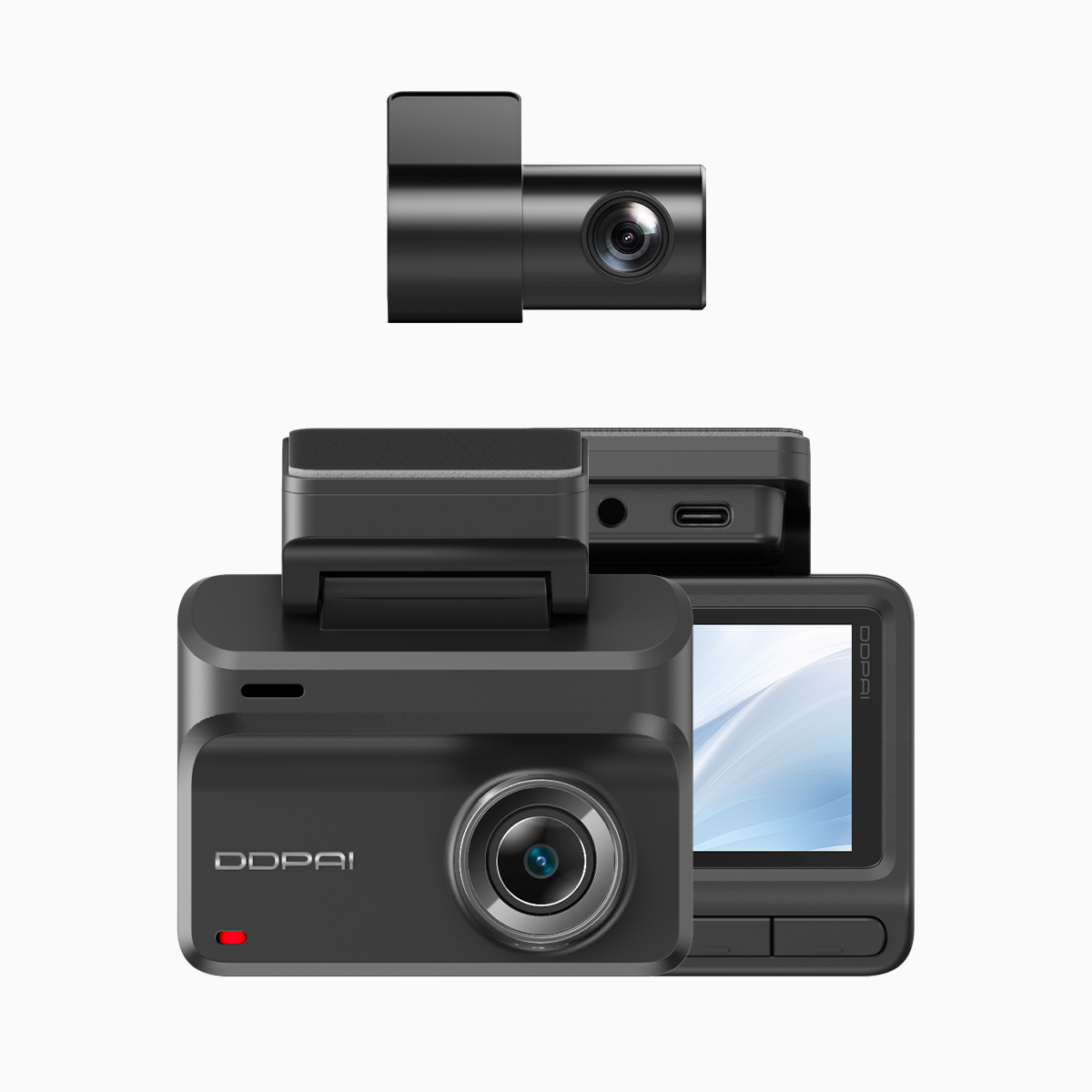
Why aperture rules in downpours
A wider aperture (lower f-number) admits more light to the sensor, reducing the need to crank ISO and preserving detail in highlights and shadows. In wet conditions the scene contrast is low and reflections dominate, so a fast aperture helps maintain a usable shutter speed and cut motion blur. Practical terms: wider aperture => better low-light dynamic range, fewer noisy pixels, and cleaner frames during sudden drops in luminance caused by heavy rain.
Head-to-head: aperture, sensor size, and processing
Compare a small-sensor camera with an f/1.6 lens against a larger sensor with f/2.4. The former collects more light per frame thanks to aperture, but the larger sensor still has an edge in native dynamic range. The smart choice is an optimized balance: a reasonably wide aperture plus efficient noise reduction algorithms and good HDR stacking in firmware. For dash cams that rely on 4G or Wi‑Fi for uploads, like many modern units, on-device processing reduces upload bandwidth by sending compressed, yet cleaner, clips.
Real-world anchor: rainy-season performance in Metro Manila
Drivers in Metro Manila experience intense monsoon downpours where visibility can drop dramatically during peak rain. In those conditions, footage from cameras with apertures around f/1.6–f/2.0 consistently produces clearer license-plate and sign detail than narrower lenses. Combine that optical choice with stable 4G coverage for timely incident uploads and you get both evidence and situational awareness in one package. The mix of aperture, sensor, and connectivity is what creates dependable real-world performance.

Common setup mistakes to avoid
Many people assume maxing ISO is the shortcut; it isn’t. High ISO boosts noise and wipes fine detail. Another mistake is over-relying on electronic stabilization at the expense of exposure time, which can blur raindrops and streak lights. Finally, firmware defaults sometimes favor compression over detail to save upload time — a poor trade when footage is meant to be evidence.
What to compare when shopping
Focus on three dimensions rather than buzzwords: aperture, sensor sensitivity, and onboard processing. For connectivity and convenience, prioritize a unit that pairs optical advantages with reliable transfer — a true dash cam with wifi and gps will let you confirm footage and location quickly after an event. Look at sample clips taken in wet urban night driving rather than daytime marketing images.
Quick checklist for configuration
Set these practical defaults: keep aperture as wide as your lens allows, cap ISO to the lowest usable value for your sensor, and select a dynamic-range or HDR mode if available. Use a frame rate that balances motion clarity and light capture — 30 fps often wins for rainy urban driving because higher frame rates need more light. — Small tweaks like these add up to much clearer footage when it matters most.
Advisory close: three golden rules
1) Prioritize optical aperture and native sensor sensitivity over raw megapixel counts. Better optics yield readable low-light frames. 2) Test firmware modes with real rain footage; compression and stabilization settings change what’s recoverable. 3) Verify connectivity and geotagging — fast upload and accurate GPS time-stamps turn good footage into usable evidence.
– clarity wins.
When the goal is consistent, usable footage in heavy downpours, a balanced approach wins: aperture-first optics combined with smart processing and reliable network tools. That practical value is where DDPAI Philippines naturally fits the conversation.